
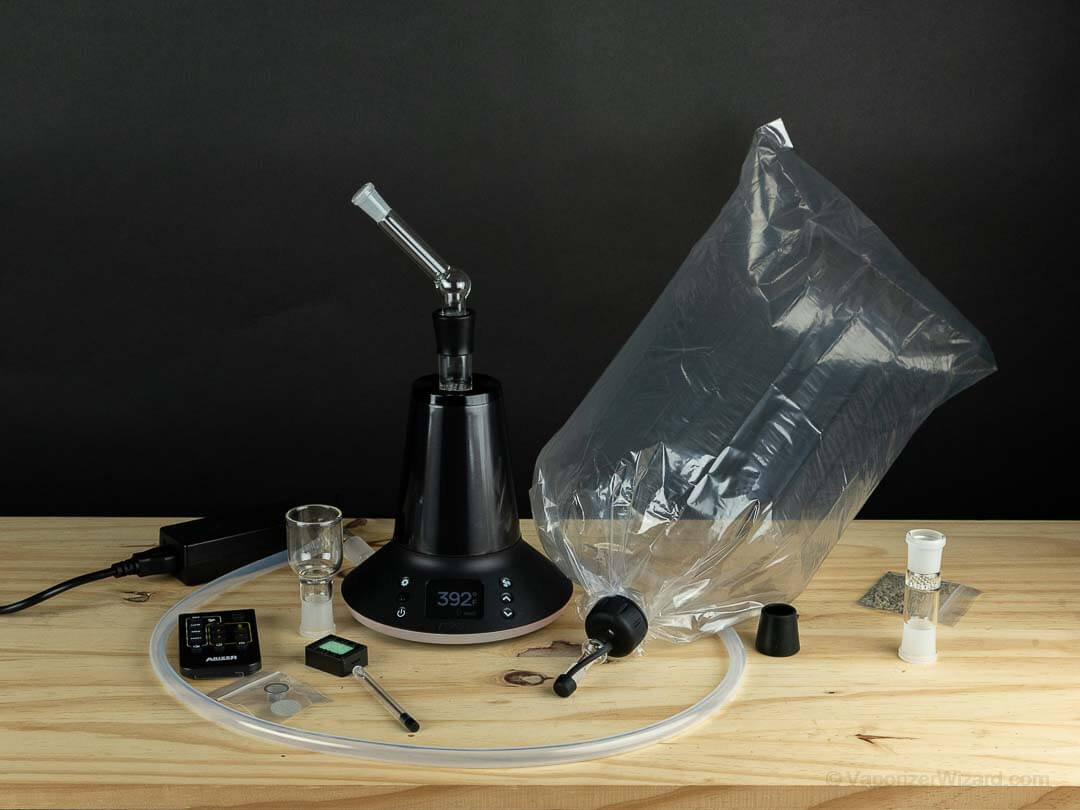
The Arizer XQ2 is a dry herb desktop vaporizer made by the Canadian company Arizer. It offers vapor delivery in both a balloon form and a whip form similar to the Volcano Hybrid. The XQ2 is currently rated as my best budget desktop vaporizer. It provides exceptional vapor quality and features for the price.
Below I will go over how to use the Arizer XQ2 vaporizer from the very basics of powering on and using the remote control, to best temps, loading styles, and lastly some cleaning/maintenance suggestions. You can check out my full Arizer XQ2 review for more specific details.
The Buttons – On Vape & Remote Control
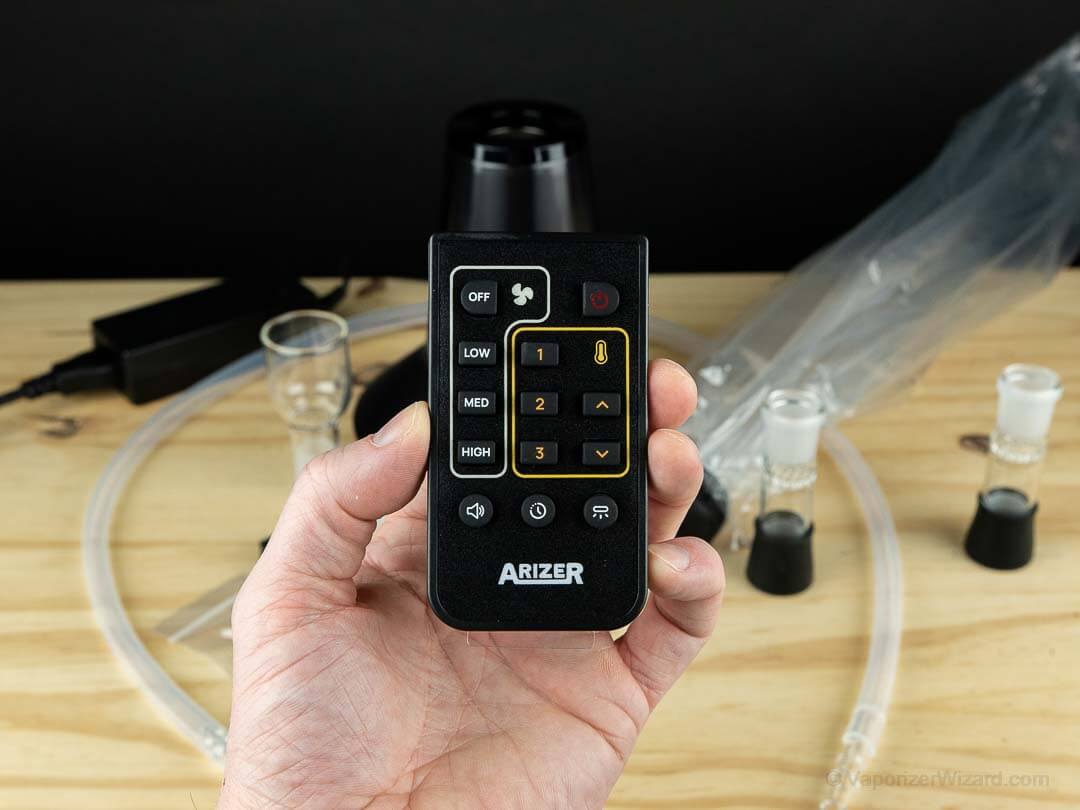
The XQ2 on-vape display uses five buttons to control everything on the vaporizer. The power button is located in the bottom left, settings in the top left, fan speed control in the top right, and the up or down temp buttons are below the fan button on the right.
You can also control all of the options via remote control, and all of these steps (minus some best-use tips) are listed in the manual.
Power Up and Menu Options
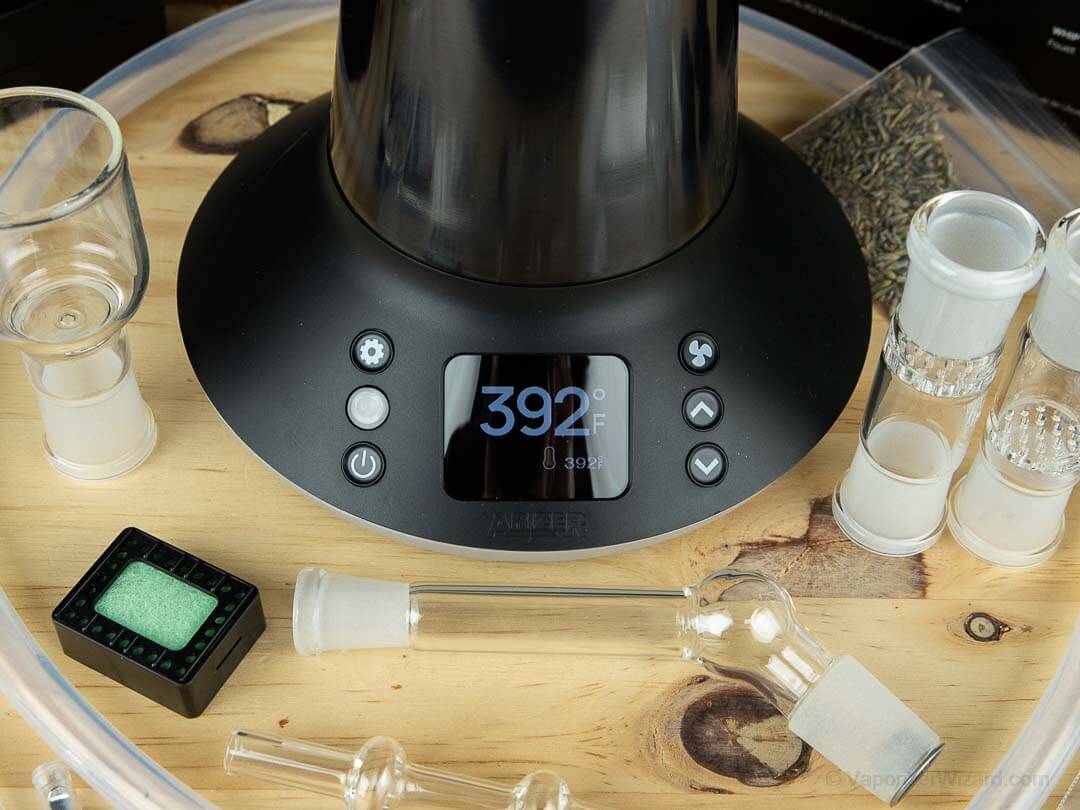
When you first power up the Arizer XQ2 (bottom left button), it will display the preset temperature as a smaller number in the bottom right of the screen. The current temperature is the big number in the middle of the screen. You can also see whether the XQ2 is in Fahrenheit or Celcius. By default, the XQ2 is set to Celcius.
To change the temperature to Fahrenheit, go to the settings menu in the top left, arrow down until you see temp settings, press the settings button again, and change the temp to Fahrenheit via the arrow keys. Press the setting button again to return, or it will automatically leave the settings menu if you press nothing for a few seconds.

You can also go in and change a few other settings here, like turning off the annoying audio beep or adjusting the screen brightness to the low setting. I also turned off the temp alert beep because it’s usually just running next to me on my desk. The beeps are overkill, honestly.
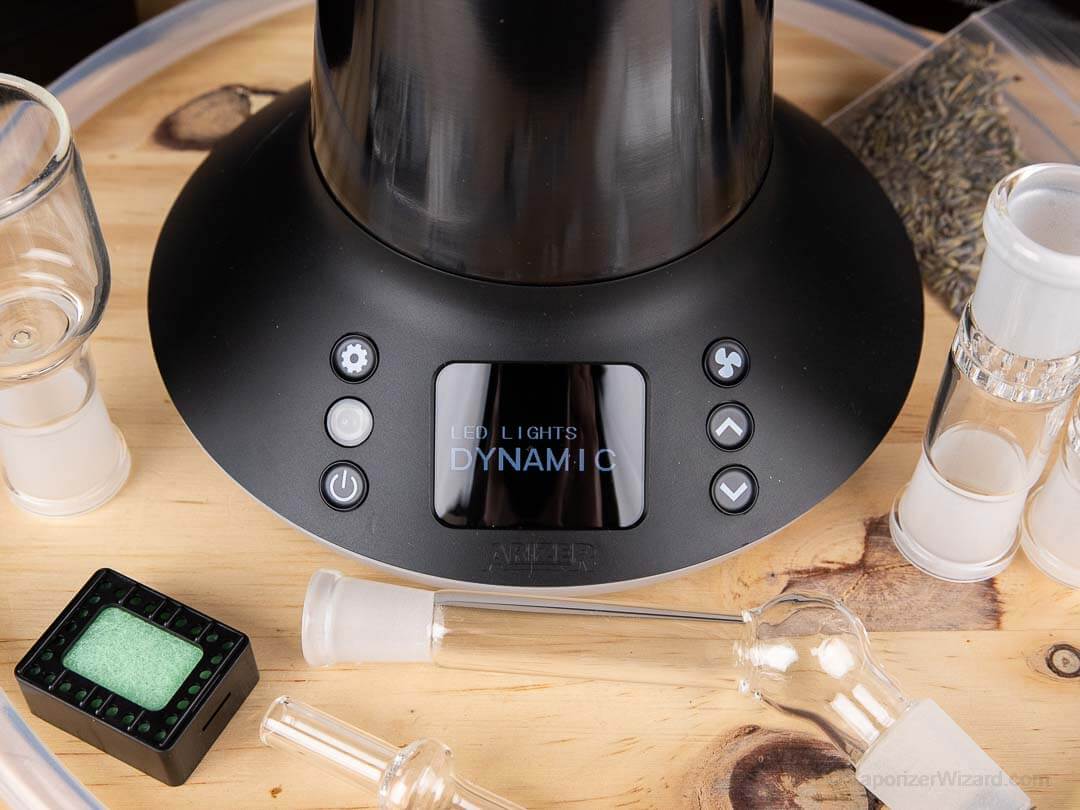
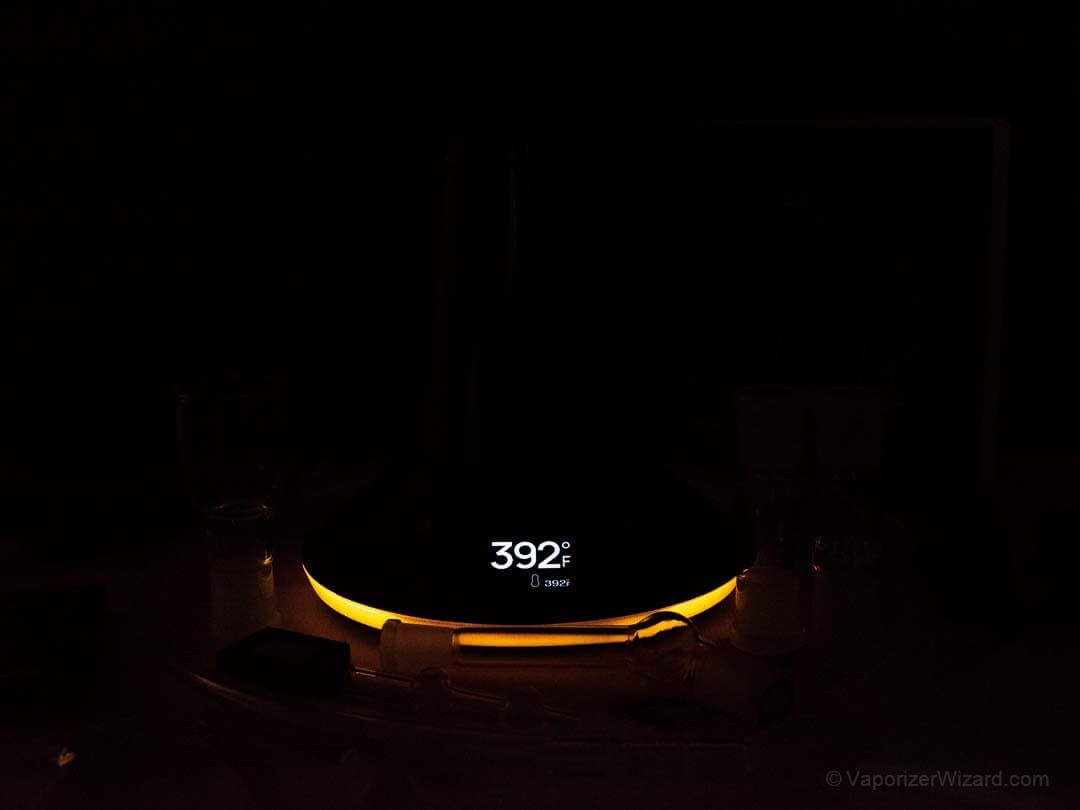
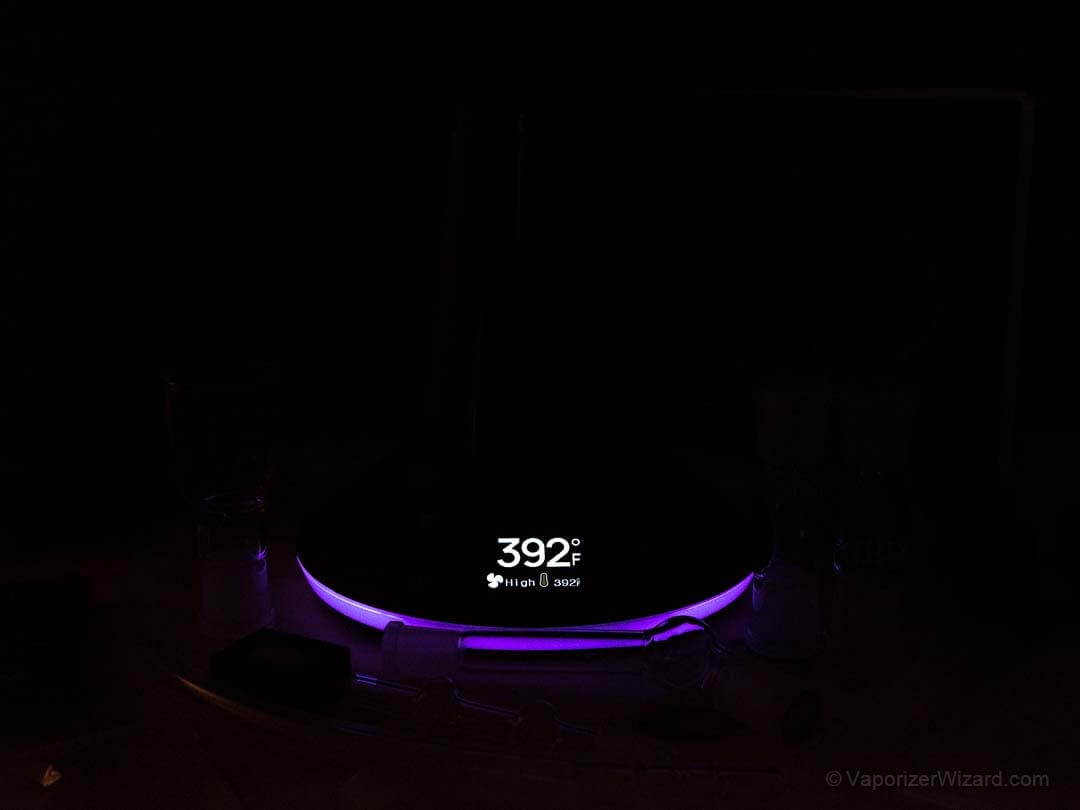
Lastly, you can change the LED lights in the base of the Arizer XQ2. The default is set to Dynamic, which will glow yellow to orange when heating, green twice when heated, orange when the temperature is maintained, and purple when the fan is active.
It’s actually a pretty cool setup and a good visual representation of what the XQ2 is doing, especially because the beeps are so darn annoying IMO. You can change it to cycle a spectrum or pick a single color as well, but I just left it on Dynamic. It would be cool if you could connect it to your HUE bridge.
Two Delivery Methods: Whip and Balloon
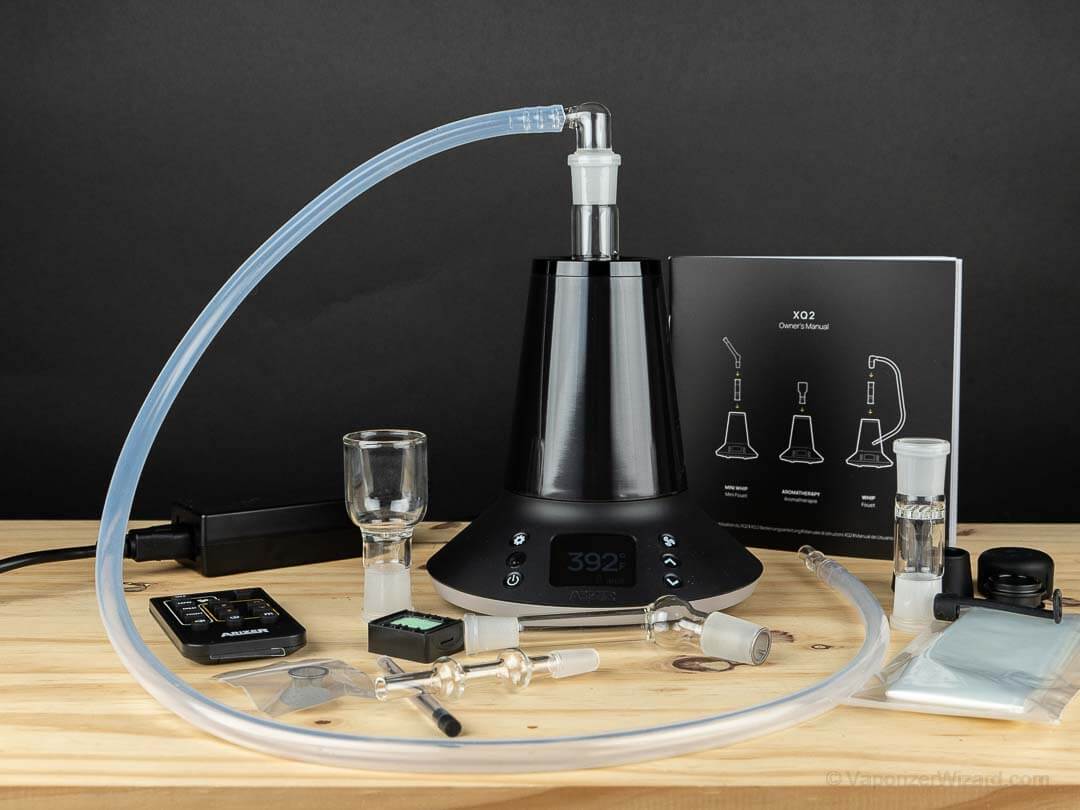
The Arizer XQ2 can get you medicated via a few different delivery methods, a 3’ whip (silicone), a balloon/bag option, and a mini-whip or direct draw option.
I like to use both the whip and the bags with this unit, and with both methods, I like to use the bowl screen closer to the heater. I find this gives me more satisfying vapor, but it’s nice to have both options for different preferences.
When you are using the whip mode, you can use fan-assist or pull without the fan. I switch back and forth, but I get the most consistent avb when I take long, slow draws with fan assist. When using the whip, one thing to be aware of is flower getting sucked up to the elbow screen if you pull too hard. If you blow back into the whip slightly, you can usually get any stuck herb to drop back down into the bowl.
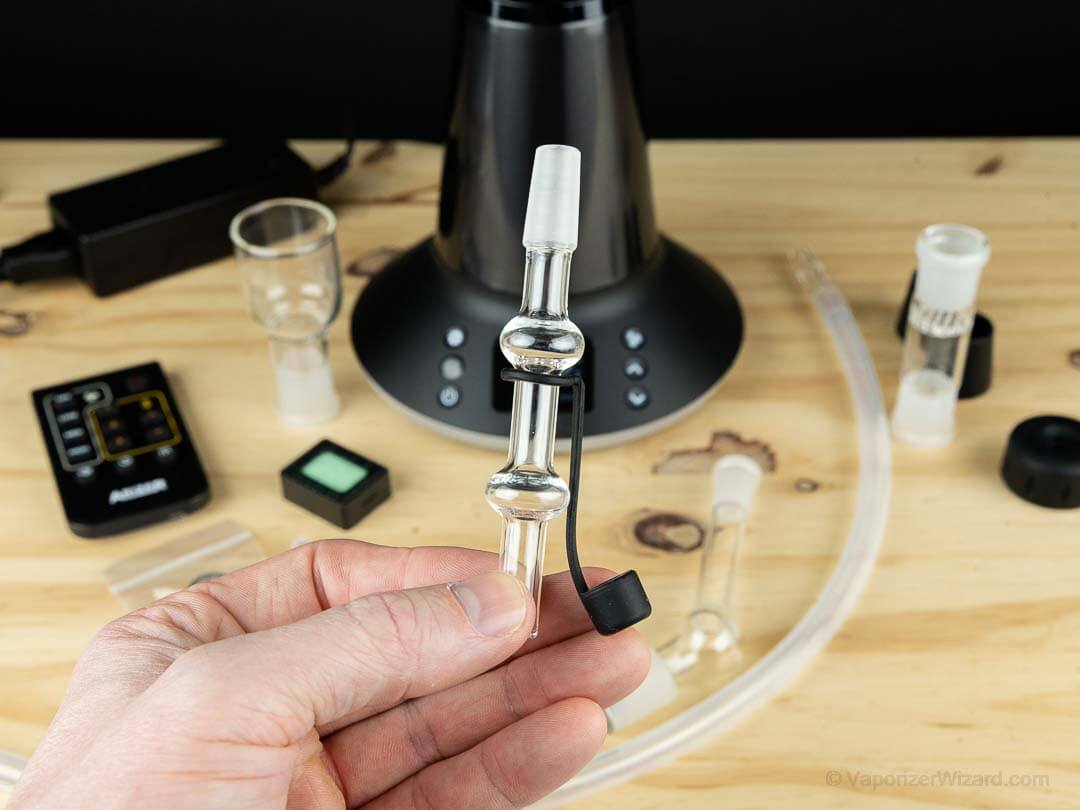
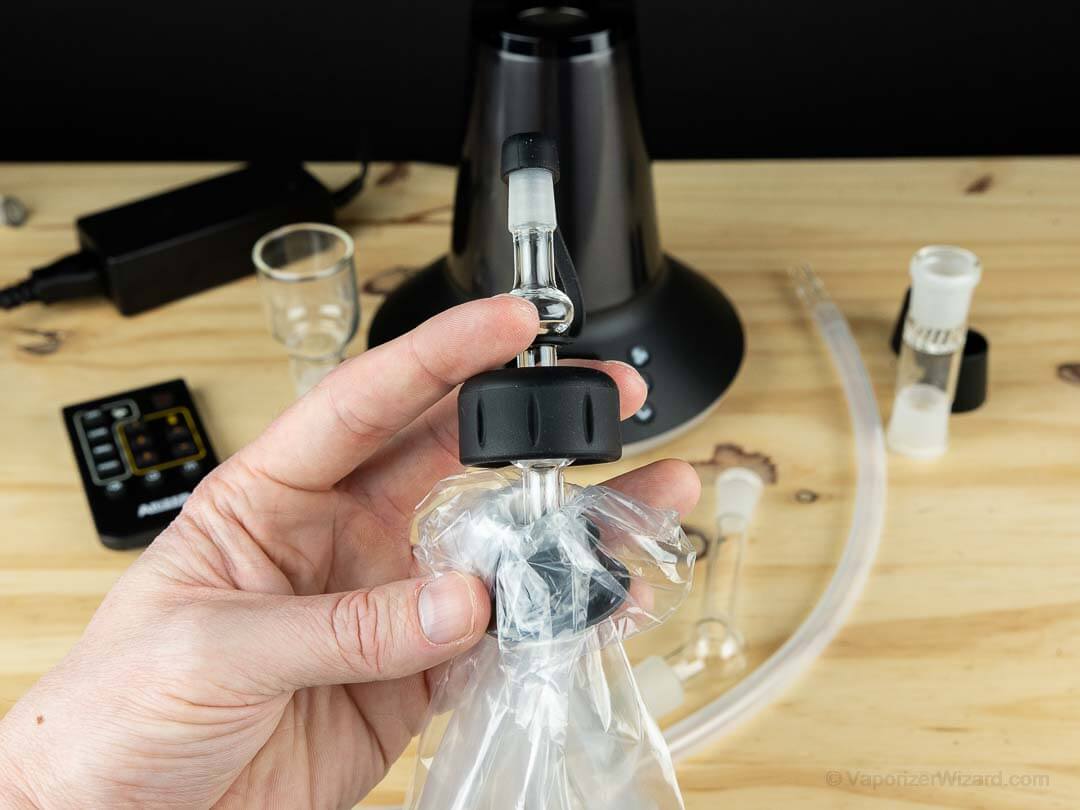
The new bag system is a nice improvement over the EQ2. It feels nicer while drawing, and the new system can be sealed with a silicone cap. When using the XQ2 with balloons, I like to fill them at low or medium bag speed even though it takes a bit longer because the herb seems to get cooked a bit more evenly and is less likely to get stuck on the elbow screen. This is important because sometimes I have to set the bag down while gaming, and the old system would slowly leak.
I don’t use the XQ2 in mini-whip mode very often because of where I have it positioned in the room, so I usually end up going with the whip or the balloon. However, it’s great to have another option, and for some people’s setups, this might be their preferred option.